Works with x.com and twitter.com links
The service was renamed, but older twitter.com links are still everywhere. Paste either form, including links that end with /video/1 or /photo/1, and the post is recognised automatically.
Save videos from public X (Twitter) posts as MP4 in the best quality available. Paste the post link, pick a size and download.
✓ Free, no sign-up✓ Up to 4K & MP3✓ Playlists & Shorts✓ Works on any device
On X, open the post, tap Share and choose Copy link.

Paste the link above. Both x.com and twitter.com links work.
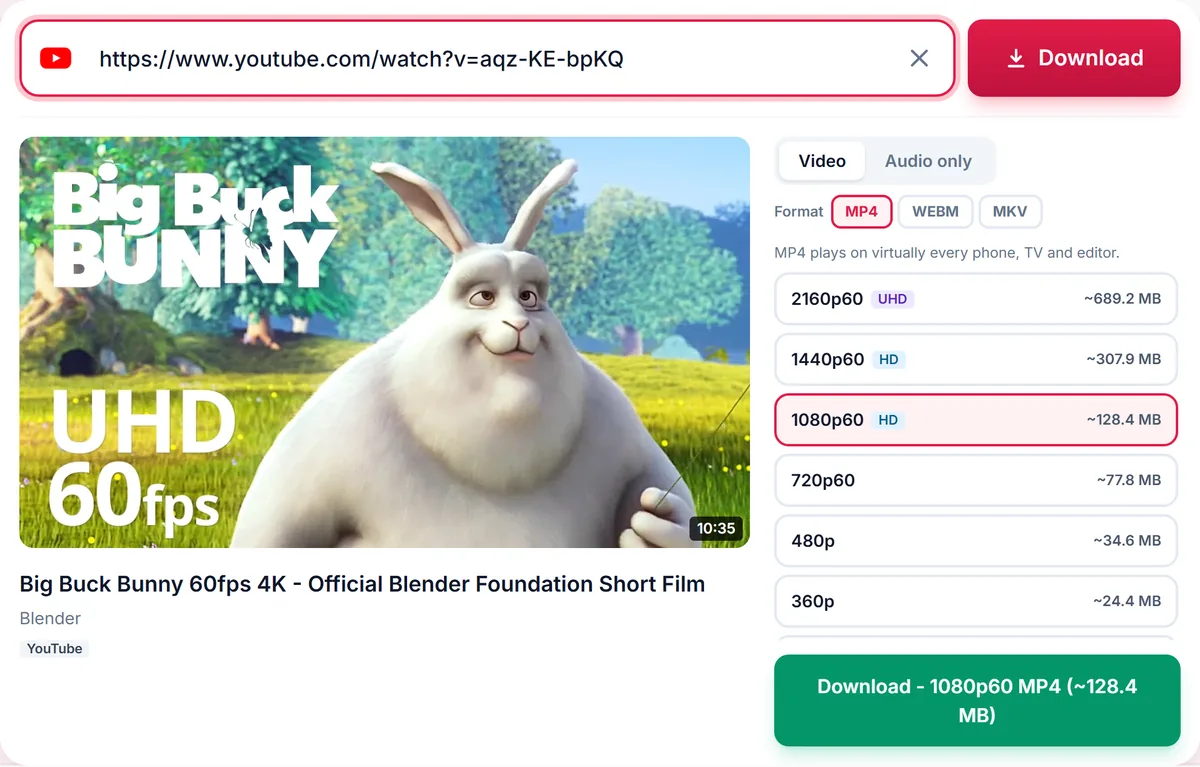
Choose a quality, or the Audio tab for the sound only, then press Download.
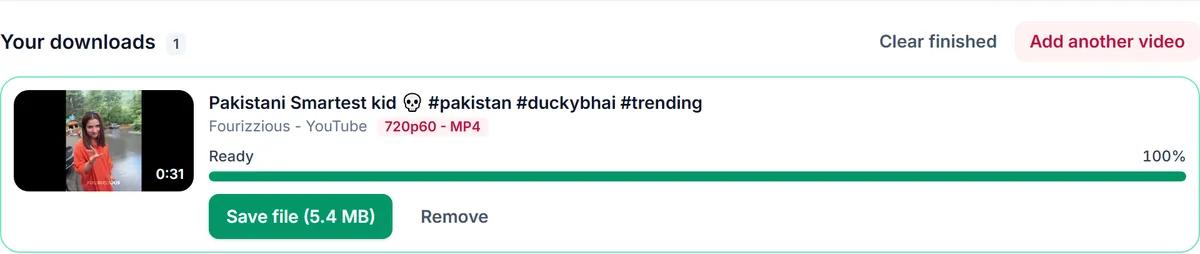
The service was renamed, but older twitter.com links are still everywhere. Paste either form, including links that end with /video/1 or /photo/1, and the post is recognised automatically.
X stores each video at several resolutions, from small previews up to 720p or 1080p depending on what was uploaded. We list every size with its estimated file size, so you can pick a small file for sharing or the best copy for archiving.
Animated GIFs on X are stored as short MP4 videos, so they download as MP4. Only public posts can be saved: protected accounts, deleted posts and posts that contain only images or text have nothing to download. We never ask for your X password.
Only download content you own, that is licensed for download or that is in the public domain. See our Terms of Service.
x.com/username/status/POST_IDtwitter.com/username/status/POST_IDmobile.twitter.com/username/status/POST_IDx.com/username/status/POST_ID/video/1Yes, as long as the post is public. You never need to sign in to use this tool.
Yes. Both twitter.com and x.com post links are supported.
The post may contain only images or text, the video may have been removed, or the account may be protected.
Yes. Open the Audio only tab and choose MP3 or M4A.
No. This tool does not add a watermark.
Thank you! We read every message.