Only real qualities are listed
We show exactly the resolutions the uploader published. If a video has no 4K version, you will not see a 4K option, so you never download an upscaled copy by mistake.
Save YouTube videos in 4K UHD, 1440p or 1080p60 with sound merged in. See every available resolution and its size before you download.
✓ Free, no sign-up✓ Up to 4K & MP3✓ Playlists & Shorts✓ Works on any device
Copy the link of a YouTube video that offers 4K.

Paste it above - the list shows 4K, 1440p and every lower resolution with file sizes.
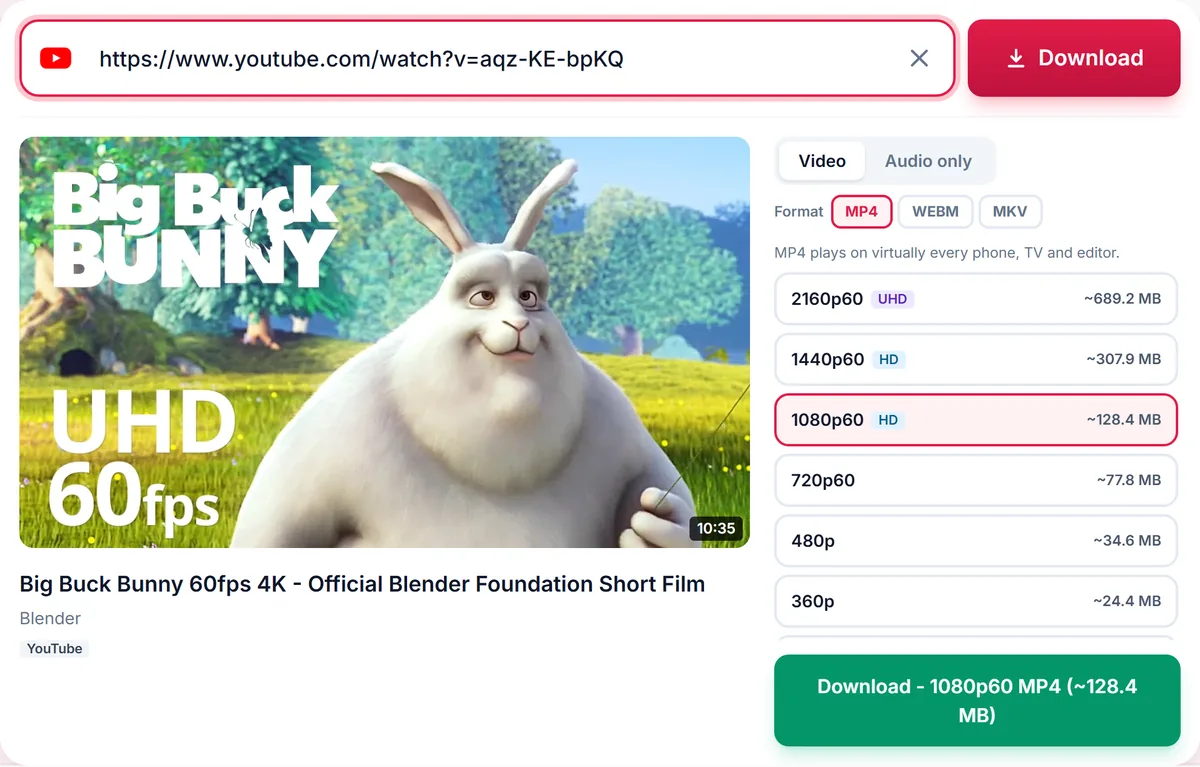
Choose 4K (or another quality) and press Download.
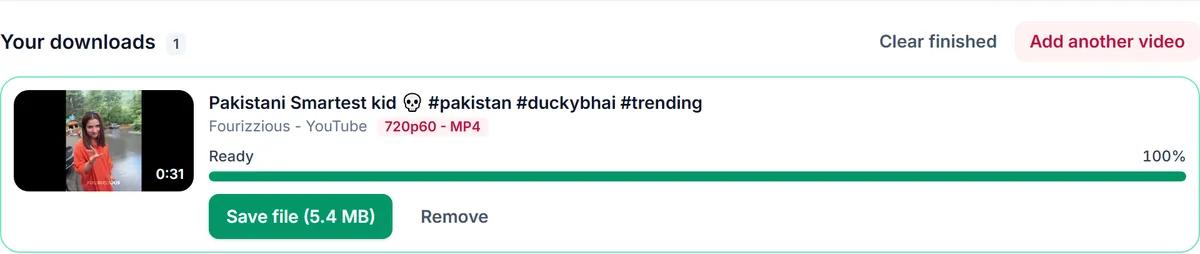
We show exactly the resolutions the uploader published. If a video has no 4K version, you will not see a 4K option, so you never download an upscaled copy by mistake.
A 4K video can be several times larger than the 1080p version. The estimated size beside each option helps you decide, and you can drop to 1440p or 1080p to save space.
Qualities that run at 50 or 60 frames per second are labelled, for example 1080p60, so you can pick the smoothest option for gameplay and sport.
Only download content you own, that is licensed for download or that is in the public domain. See our Terms of Service.
The video was not uploaded in 4K. We only list qualities that exist.
Modern computers, phones and TVs handle 4K. Older devices may prefer 1080p. If a 4K file will not play, try the MKV or MP4 version, or choose a lower quality.
Roughly 3 to 6 times larger than 1080p, depending on length and motion. The size is shown before you download.
Yes, when the video exists in 8K it appears in the list.
Yes, audio is merged automatically.
Thank you! We read every message.