Video pins only
Pinterest mixes image pins and video pins. This tool downloads pins that contain a video; for a plain image pin there is nothing to convert, and we tell you so instead of failing silently.
Save videos from public Pinterest pins as MP4 in the quality you want, or extract the audio. Paste the pin link and download.
✓ Free, no sign-up✓ Up to 4K & MP3✓ Playlists & Shorts✓ Works on any device
Open the pin on Pinterest, tap the share icon and choose Copy link.

Paste the pin link above. Short pin.it links work too.
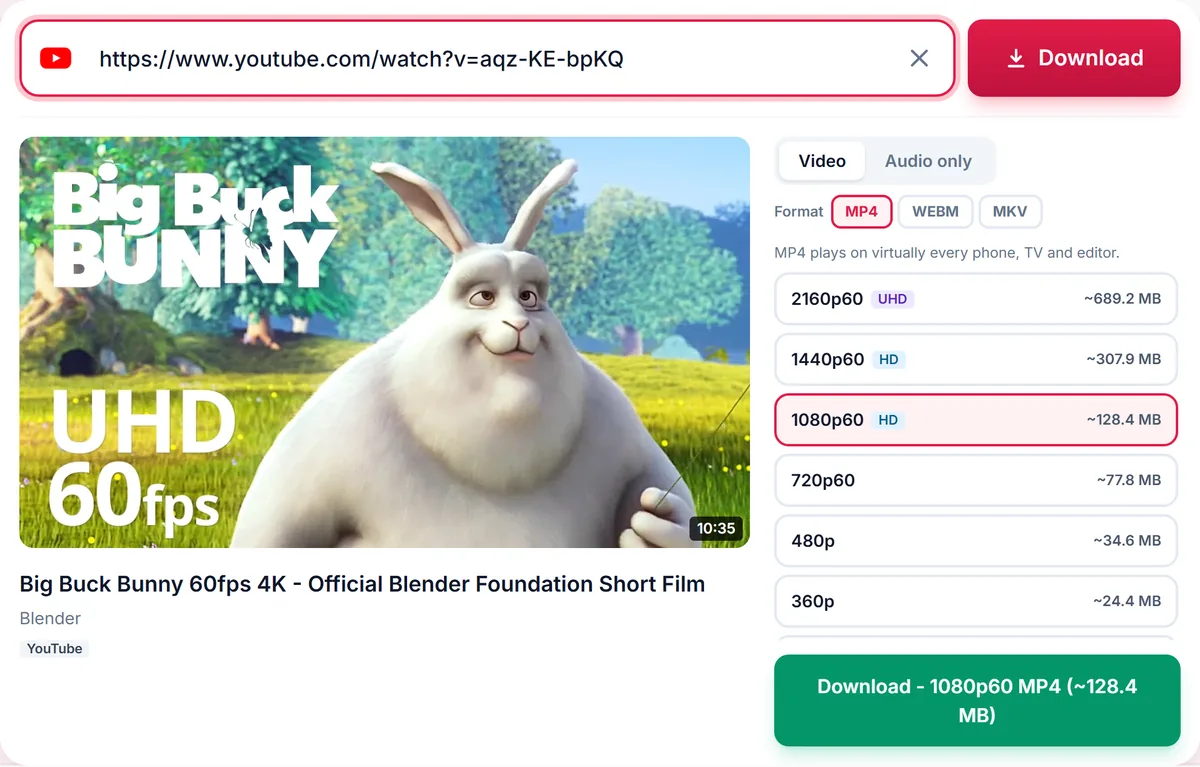
Pick a quality, or the Audio tab, then press Download.
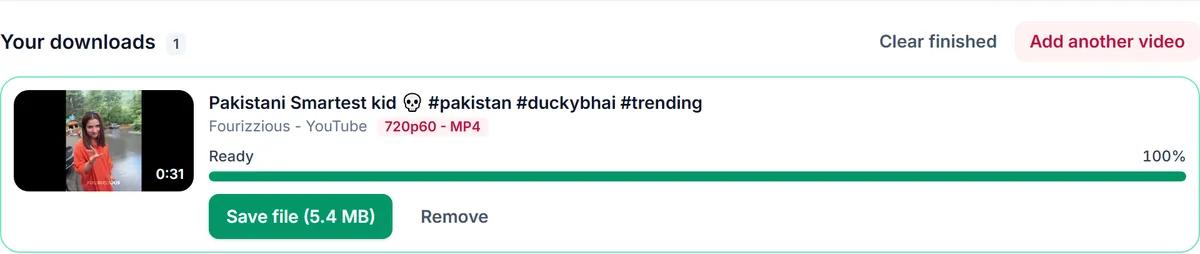
Pinterest mixes image pins and video pins. This tool downloads pins that contain a video; for a plain image pin there is nothing to convert, and we tell you so instead of failing silently.
Video pins are stored at several resolutions, up to 1080p when the creator uploaded in high quality. The list shows each size with its estimated file size, so you can pick a small file for sharing or the sharpest copy for your records.
Pinterest uses country domains such as pinterest.com, pinterest.co.uk and pinterest.ca, plus short pin.it links. All of them are recognised automatically.
Only download content you own, that is licensed for download or that is in the public domain. See our Terms of Service.
pinterest.com/pin/PIN_ID/pinterest.co.uk/pin/PIN_ID/pin.it/CODEYes. Paste the public pin link; no login is needed.
The pin may be an image pin with no video, or it may have been removed or made private.
Yes, short links are supported.
Yes, use the Audio only tab for MP3 or M4A.
Thank you! We read every message.