Public videos only
This tool works with public Instagram content. Private accounts and posts that require you to log in cannot be downloaded, and we never ask for your Instagram password.
Save public Instagram Reels and video posts to your device. Paste the link, choose the quality, and download - no login required.
✓ Free, no sign-up✓ Up to 4K & MP3✓ Playlists & Shorts✓ Works on any device
In Instagram tap the paper-plane or three-dot menu and choose Copy link.

Paste the link into the box above.
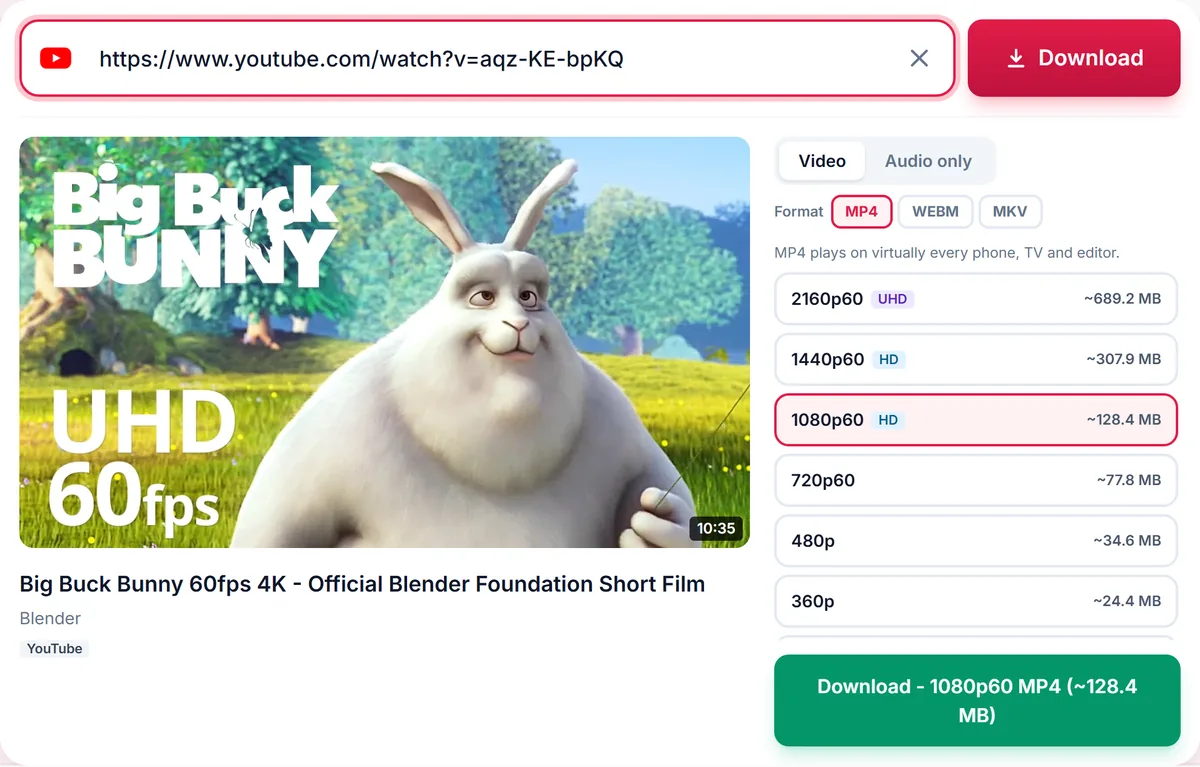
Choose a quality (or audio) and press Download.
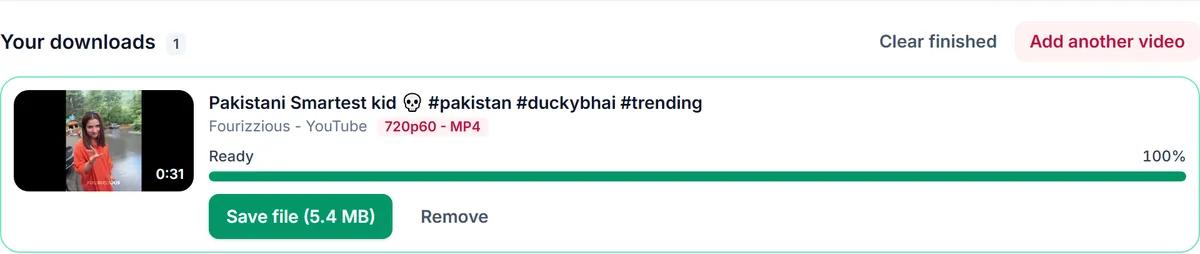
This tool works with public Instagram content. Private accounts and posts that require you to log in cannot be downloaded, and we never ask for your Instagram password.
Links that contain /reel/, /reels/, /p/ or /tv/ are supported, including share links copied from the app.
Use the Audio tab to extract the soundtrack of a Reel as MP3 or M4A for content you have permission to reuse.
Only download content you own, that is licensed for download or that is in the public domain. See our Terms of Service.
instagram.com/reel/POST_IDinstagram.com/username/reel/POST_IDinstagram.com/p/POST_IDinstagram.com/tv/POST_IDinstagram.com/share/reel/POST_IDNo - and you should never enter your password on a downloader site. Only public videos can be downloaded.
The account may be private, the post may have been deleted, or Instagram may be temporarily limiting requests. Try again in a minute.
Yes, public Reels are supported.
You receive the highest resolution Instagram serves for that video.
Not at this time. Stories require a login.
Thank you! We read every message.