Audio from any public TikTok
Paste a full tiktok.com link or a short vm.tiktok.com share link. We separate the soundtrack and convert it to the format you choose.
Extract the sound from a public TikTok video and save it as MP3, M4A, Opus or WAV. Paste the link and download.
✓ Free, no sign-up✓ Up to 4K & MP3✓ Playlists & Shorts✓ Works on any device
In TikTok tap Share, then Copy link.

Paste the link above - the Audio tab opens with every format.
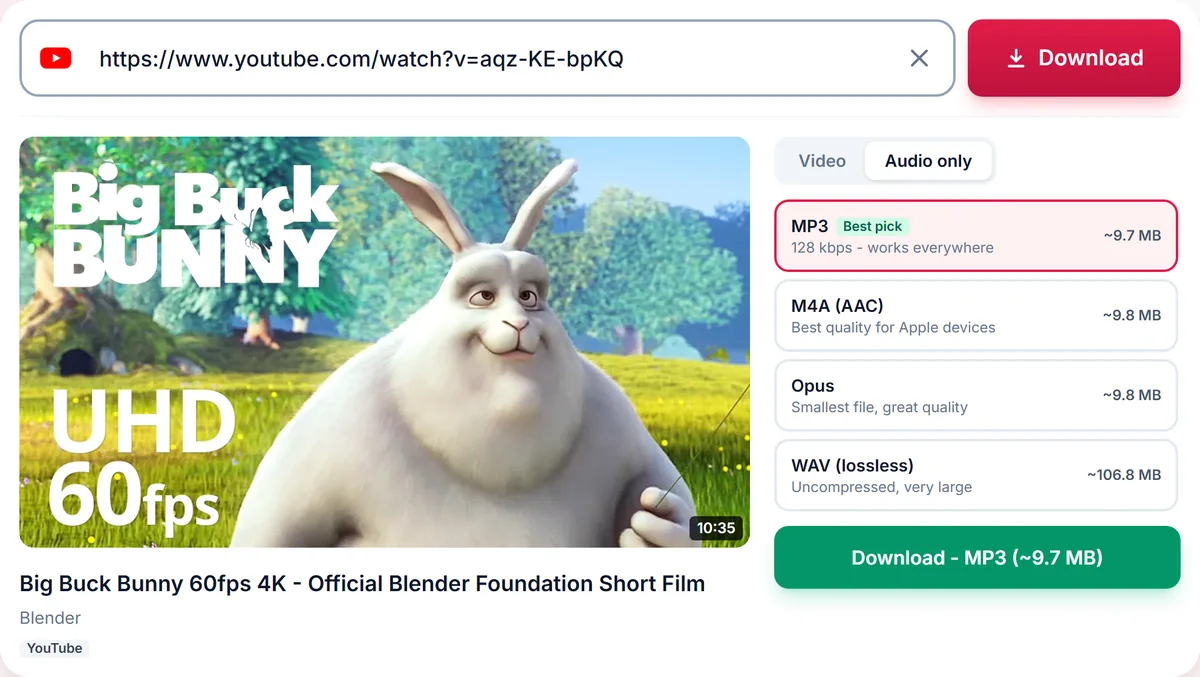
Choose MP3 (or another format) and press Download.
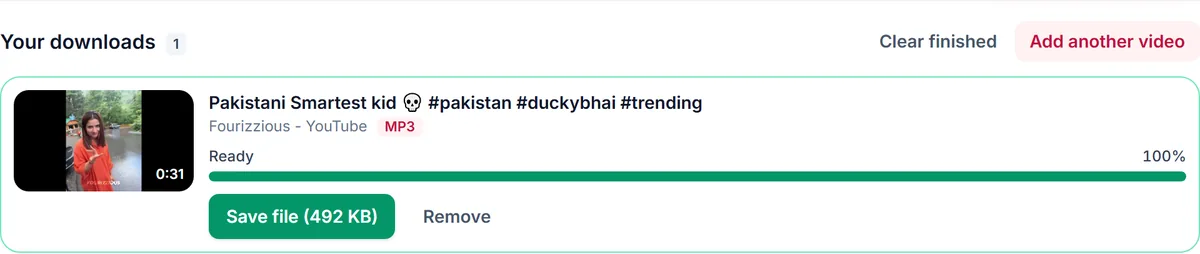
Paste a full tiktok.com link or a short vm.tiktok.com share link. We separate the soundtrack and convert it to the format you choose.
MP3 plays everywhere. M4A is compact and ideal for iPhone. Opus is the smallest for the same quality, and WAV is uncompressed for editing.
Music and voices belong to their creators and rights holders. Save audio for personal listening or with permission, and never redistribute it without the right to do so.
Only download content you own, that is licensed for download or that is in the public domain. See our Terms of Service.
Yes. Paste the video link, open the Audio tab and choose MP3.
Yes, in any mobile browser. No app is required.
Yes, switch back to the Video tab and download the MP4.
Private videos and videos removed by the creator cannot be processed.
Thank you! We read every message.