Skip to content

Facebook Video Downloader

Save public Facebook videos and Reels in HD. Paste the link, choose the quality and download - no login and no app.

✓ Free, no sign-up✓ Up to 4K & MP3✓ Playlists & Shorts✓ Works on any device

How to use the Facebook Video Downloader

  1. Open the video on Facebook, tap Share and choose Copy link.

    A Facebook video link pasted into the SaveDock download box, with the Facebook tab selected
  2. Paste the link into the box above.

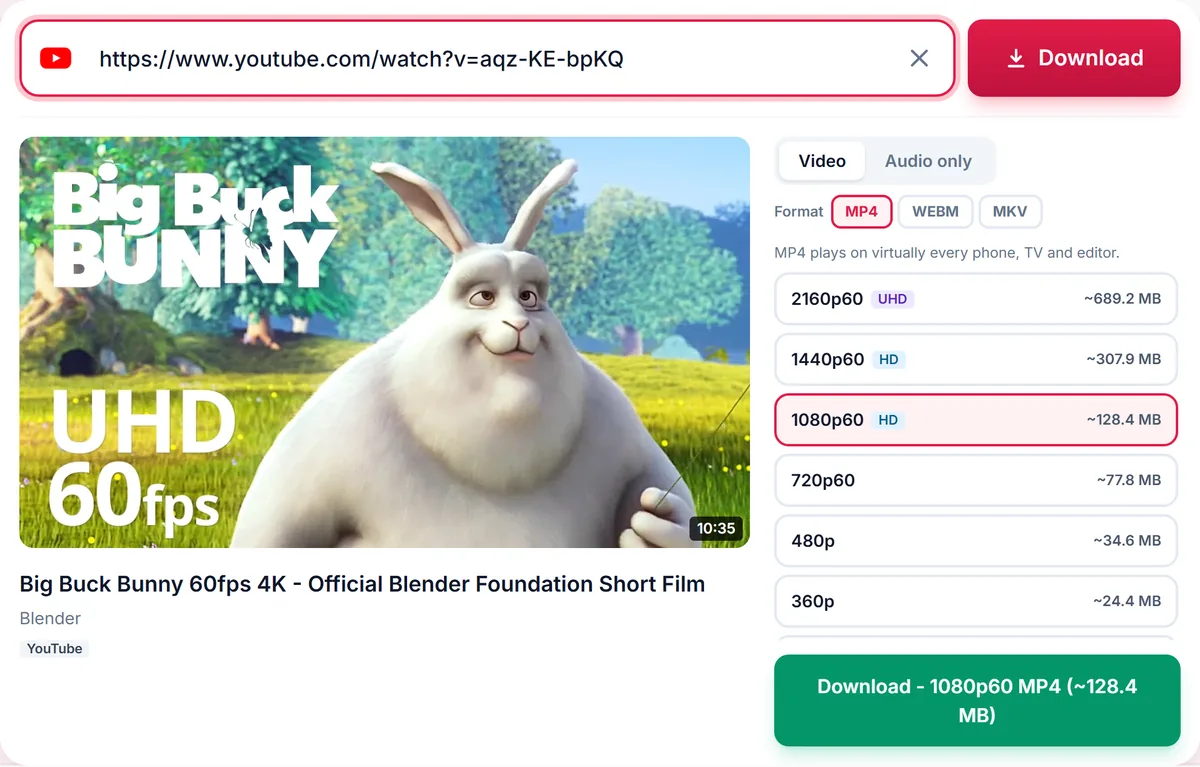
    Quality list for a YouTube video: 2160p 4K, 1440p, 1080p, 720p, 480p and 360p MP4, each with its file size
  3. Pick a quality (or audio only) and press Download.
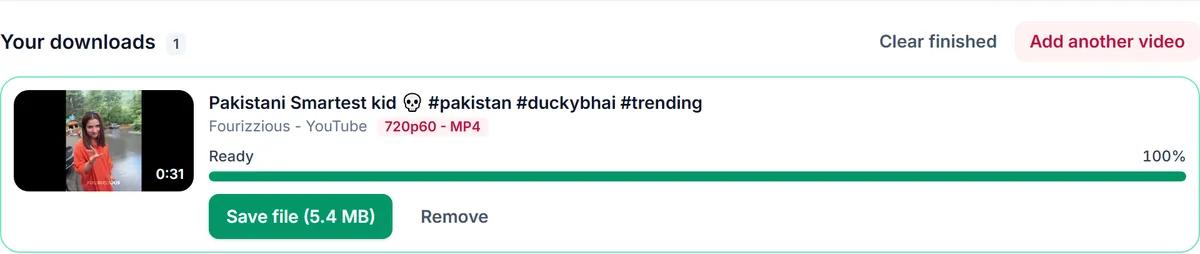
    A finished video download in Your downloads with a green Save file button showing the 5.4 MB file size

HD with sound

Facebook often serves HD video and audio as separate streams. We merge them into one MP4 so the file plays with sound everywhere.

Videos, Reels and watch links

Links like facebook.com/watch/?v=..., /reel/..., /videos/... and fb.watch short links are supported.

Public content only

Videos shared only with friends or inside private groups require a login and cannot be downloaded.

Only download content you own, that is licensed for download or that is in the public domain. See our Terms of Service.

Supported Facebook link formats

  • Watch pagefacebook.com/watch/?v=VIDEO_ID
  • Page or profile videofacebook.com/name/videos/VIDEO_ID
  • Reelfacebook.com/reel/REEL_ID
  • Short linkfb.watch/CODE
  • Shared linkfacebook.com/share/v/CODE

Troubleshooting Facebook downloads

The video is shared with friends only
Friends-only and private group videos need a login and cannot be downloaded.
No HD option
The video was uploaded in standard definition, so only the qualities that exist are shown.
The link redirects to a login page
Open the video while signed out; if it will not play, it is not public.
The file has no sound
HD sound is merged automatically. A video with no audio track at the source stays silent.

Tips for saving Facebook videos

  • Use Share, then Copy link from the video, or copy the address of the watch page.
  • fb.watch short links work without changes.
  • Choose Audio only to keep the soundtrack of a talk or interview.

Related guides

Facebook downloader FAQ

Can I download private Facebook videos?

No. Only videos that are public can be downloaded.

Why is the HD option missing?

Some videos are only uploaded in standard definition, so only the qualities that exist are shown.

Do fb.watch links work?

Yes, short fb.watch links are supported.

Can I save just the audio?

Yes, use the Audio tab for MP3 or M4A.

How is your experience?

Rate your experience from 1 (bad) to 5 (excellent)