Why MP4?
MP4 is the most widely supported video format. It plays on iPhone, Android, Windows, macOS, smart TVs and every major video editor, so it is the safe choice when you want a file that simply works.
Turn any public YouTube video into an MP4 file you can play anywhere. Choose from 144p up to 4K and see the file size before you download.
✓ Free, no sign-up✓ Up to 4K & MP3✓ Playlists & Shorts✓ Works on any device
Copy the YouTube video link.

Paste it above and wait a moment while we list every available resolution.
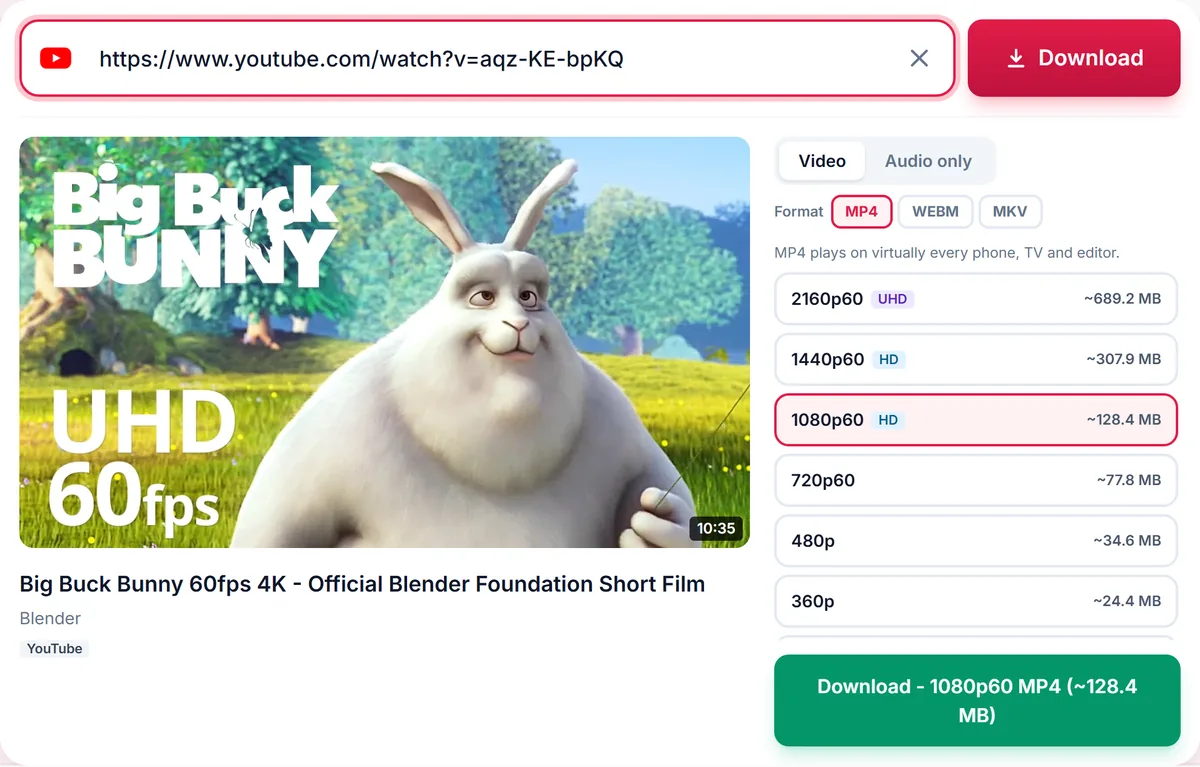
Keep MP4 selected, choose a quality and press Download.
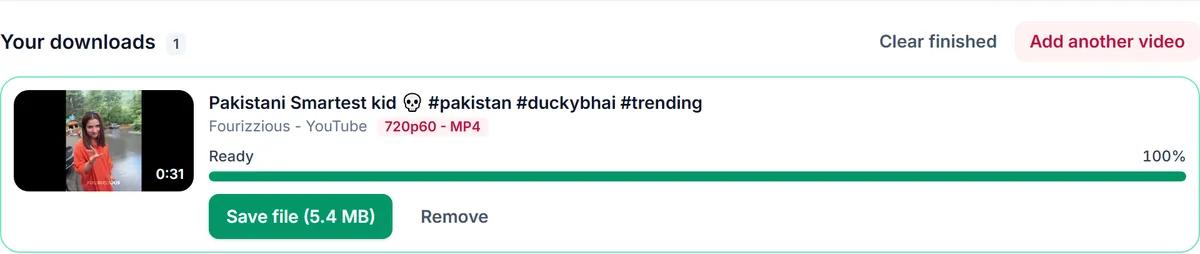
MP4 is the most widely supported video format. It plays on iPhone, Android, Windows, macOS, smart TVs and every major video editor, so it is the safe choice when you want a file that simply works.
1080p is ideal for most screens. Choose 720p or lower to save storage and mobile data, and 1440p or 4K when you want the sharpest picture on a large display. Sizes are shown next to each option so there are no surprises.
YouTube delivers HD video and audio separately. We merge both into a single MP4 automatically, so the downloaded file has sound at every resolution.
Only download content you own, that is licensed for download or that is in the public domain. See our Terms of Service.
Yes. There is no cost, no account and no watermark.
Yes, when the original video was uploaded in 4K. Newer codecs at 4K may be saved as MKV if MP4 cannot hold them; the file still plays in modern players.
Most videos are ready in seconds. Long or high-resolution videos take longer because video and audio are merged.
Yes, open the Audio tab to save MP3, M4A, Opus or WAV instead.
Thank you! We read every message.