MP3 vs M4A vs Opus vs WAV: Which Audio Format Should You Choose?
By the SaveDock team · Updated
When you save audio from a video you can pick several formats. They differ in file size, sound quality and where they play. This quick guide helps you choose the right one in seconds.
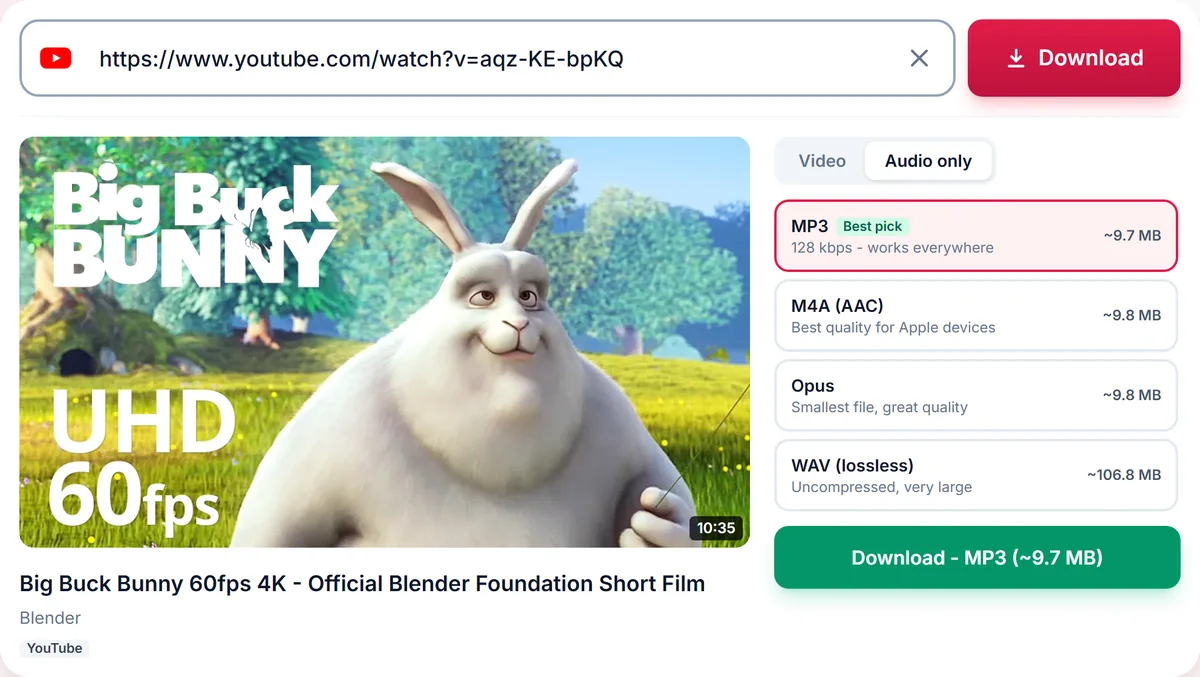
Skip the reading?
Use the YouTube to MP3 Converter or the main downloader.
MP3: plays everywhere
MP3 is the most compatible audio format. Every phone, car stereo, speaker and player supports it. It is a lossy format, so some detail is discarded to save space. At 192 kbps most people cannot tell it from the original; 320 kbps is the highest quality MP3 offers, and 128 kbps is fine for speech.
M4A (AAC): smaller and better at the same bitrate
M4A usually contains AAC audio, which sounds better than MP3 at the same bitrate. It is the native choice on iPhone, iPad and Mac, and works on Android and most modern players. Choose M4A for music on Apple devices.
Opus: the most efficient
Opus delivers excellent quality at low bitrates, so files are small. Support is excellent in browsers and modern players, but some older devices and car stereos cannot play it. Choose Opus when storage matters and you control the player.
WAV: lossless and large
WAV is uncompressed, about 10 MB per minute for CD-quality audio. It is useful for editing and archiving. Note that converting a lossy source to WAV cannot add back detail that was never there, so the file is only larger, not better.
Quick recommendations
Music on any device: MP3 192 kbps. Music on iPhone: M4A. Podcasts and lectures: MP3 128 kbps or Opus. Editing in audio software: WAV. When in doubt, choose MP3 192.
How file size compares
For a 4-minute song, a 128 kbps MP3 is about 3.8 MB, a 192 kbps MP3 is about 5.7 MB and a 320 kbps MP3 is about 9.6 MB. An M4A at a similar perceived quality is a little smaller, an Opus file is smaller still, and an uncompressed WAV is about 40 MB.
These numbers are simple arithmetic: bitrate multiplied by duration. They are useful when you plan how many tracks fit on a phone or a USB stick.
Where each format plays
MP3 plays on everything, including old car stereos and cheap MP3 players. M4A plays on all Apple devices and nearly all Android phones and modern players. Opus plays in web browsers, Android and many modern players, but not on many older devices. WAV plays everywhere but is rarely used for listening because of its size.
What you can hear
At 128 kbps speech is perfectly clear and music is acceptable on small speakers. At 192 kbps, most listeners find music transparent on everyday headphones. At 320 kbps differences are only audible to trained ears on high-end equipment, and only when the source audio is itself high quality.
If the source video has audio at 128 kbps, converting it to 320 kbps MP3 makes the file larger but not better. That is why we only offer bitrates the source can support.
Metadata and tags
MP3 and M4A files can carry a title tag. Converted files include the video title where available, so they sort sensibly in your music library.
Frequently asked questions
Is 320 kbps always better?
Only if the original audio is high quality. We only offer bitrates that the source can support.
Which format is smallest?
Opus, followed by M4A and then MP3 at the same perceived quality.
Will M4A play on Android?
Yes, on virtually all modern Android devices.
Does converting to WAV improve quality?
No. WAV is lossless but cannot restore detail already lost.
Keep reading
Only download content you own, that is licensed for download, or that is in the public domain. See our Terms of Service.